A useful gift for a programmer can make focused work more comfortable, improve a daily setup, or support a creative project beyond the desk.
These 11 ideas range from compact accessories to larger workspace and audio upgrades. Consider how the recipient works and what devices they use before choosing.
11 Gift Ideas for Programmers
SteelSeries Apex Pro TKL Gaming Keyboard

- Set different actuation levels for individual keys.
- Assign two actions to a single key with the 2-in-1 action key feature.
- Its tenkeyless form factor comes with full-size functionality.
Best Gift For: A programmer who enjoys customizing a keyboard for gaming or desk use.

FIFINE K669B USB Microphone

- Connect directly to a computer with the included USB cable for recording.
- A tripod stand suits desk-based voiceovers and livestreams.
- Use the mic's volume knob to adjust input level or set it to zero.
Best Gift For: A programmer who records voiceovers, joins calls, or streams from a computer.
Nulaxy Pull-Out Height Adjustable Laptop Stand

- Adjust the laptop screen height from 1.2 to 20 inches for seated or standing use.
- Fold it when you want to clear desk space or take it to another workspace.
- The stand supports laptops weighing up to 22 lbs.
Best Gift For: A programmer who switches between sitting and standing while working at a desk.
HUANUO FlowLift Single Monitor Mount

- Fits 13 to 32 inch monitors and holds 4.4 to 19.8 lbs.
- Adjust the screen with tilt, swivel, and 360-degree rotation.
- Choose between a clamp or grommet mounting option.
Best Gift For: A programmer with a compatible monitor who wants more flexibility in screen positioning.
SABRENT USB-C and USB-A SD Card Reader

- Use the USB-C or USB-A connector with compatible devices.
- The dual slots read SD and Micro SD card formats.
- Plug it in without installing drivers or software.
Best Gift For: A programmer who transfers files from memory cards to a computer.
TP-Link AXE5400 Tri-Band WiFi 6E Router

- The tri-band router includes a 6 GHz band for compatible devices.
- OneMesh support can connect with a TP-Link OneMesh extender.
- It supports VPN server and client functions.
Best Gift For: People adding more devices to a home Wi-Fi network.
Audioengine A2+ Wireless Computer Speakers

- Connect through USB-C, RCA, or 3.5mm AUX inputs; Bluetooth is also available.
- The integrated DAC connects directly to a computer through USB-C.
- Real wood cabinets bring a finished look to the desk.
Best Gift For: A programmer who listens to music, podcasts, or calls at a desk.
SABRENT USB-C 6-Port Hub and M.2 SSD Dock

- Connect peripherals through its USB Type-A ports.
- Connect an external display through HDMI, up to 4K at 60Hz with a compatible device.
- The internal M.2 slot supports SATA or NVMe SSDs in 2242, 2260, or 2280 form factors.
Best Gift For: A programmer who wants to connect peripherals, a display, and portable storage to a laptop.
SHOKZ OpenMove Open-Ear Sport Headphones
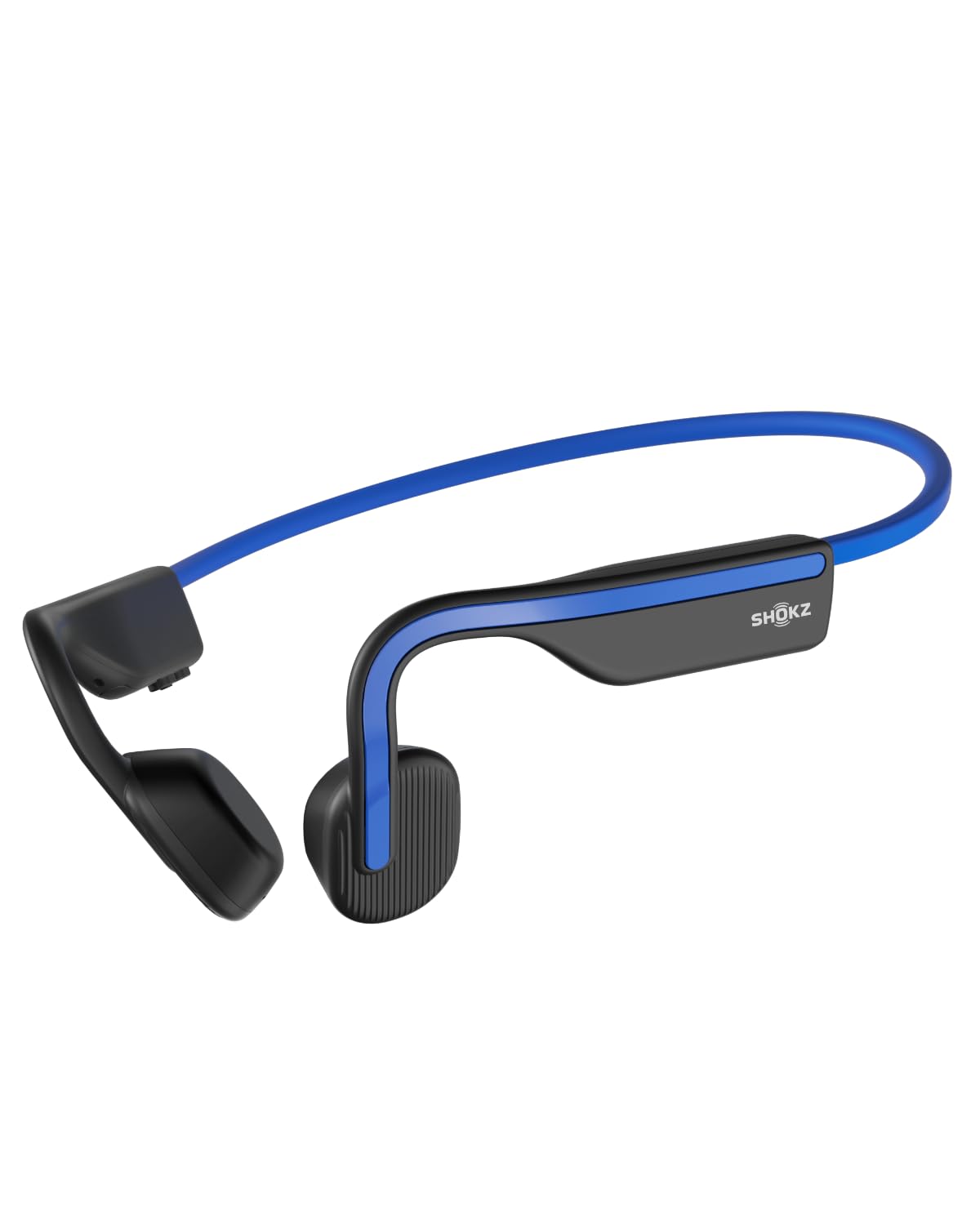
- The open-ear design leaves the ears free from earbuds.
- A wraparound titanium frame keeps the headphones in place during low-impact activities.
- Listen to music, calls, or podcasts for up to six hours per charge.
Best Gift For: A programmer who wants audio for exercise or commuting while staying aware of surroundings.
TAGRY True Wireless Bluetooth Earbuds
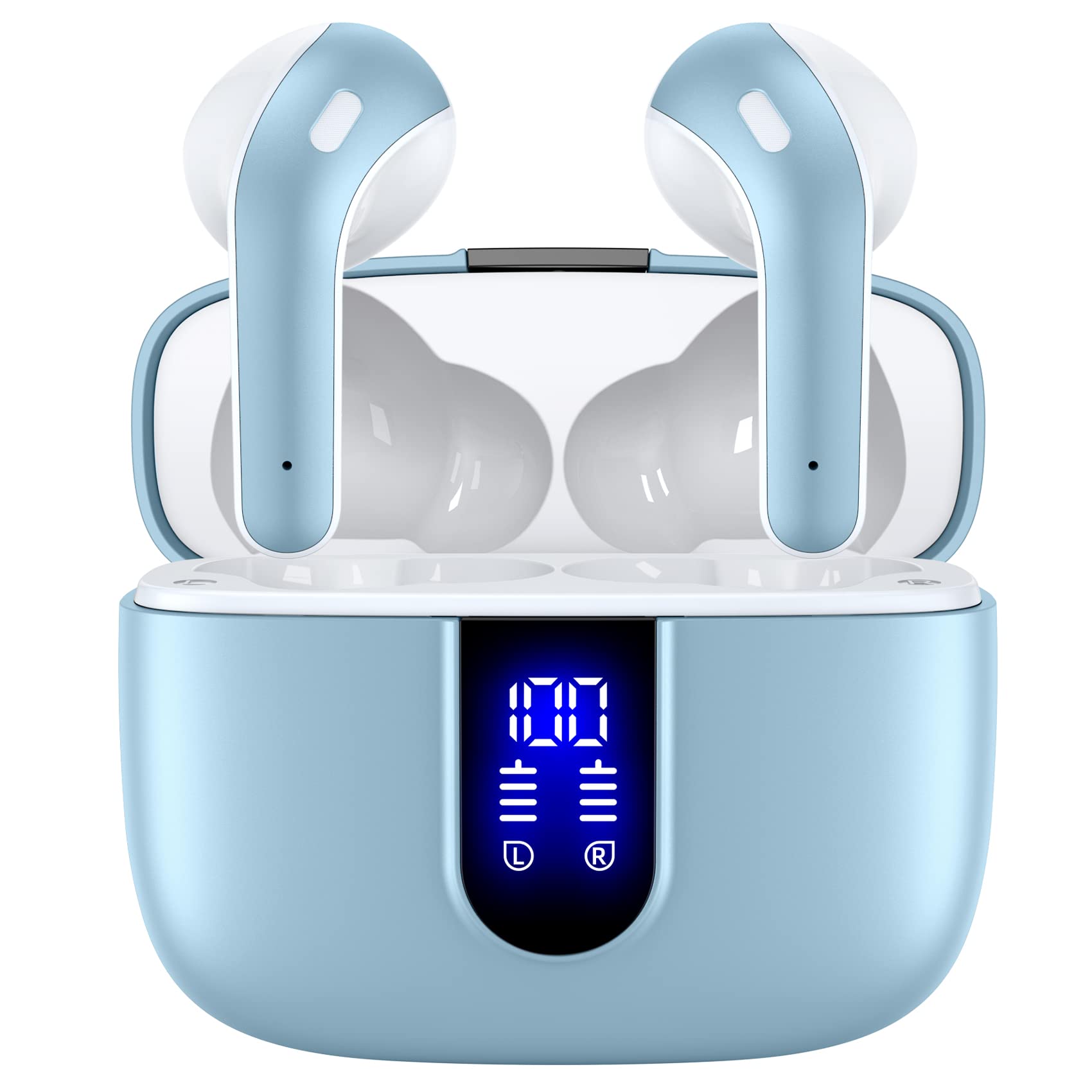
- The charging case supports wireless charging and USB-C cable charging.
- The case has a digital LED power display.
- Touch either earbud to control music, volume, calls, or voice assistant functions.
Best Gift For: A programmer who wants compact earbuds for calls, music, or reading breaks.
MAONO T1 Wireless Lavalier Microphone Combo
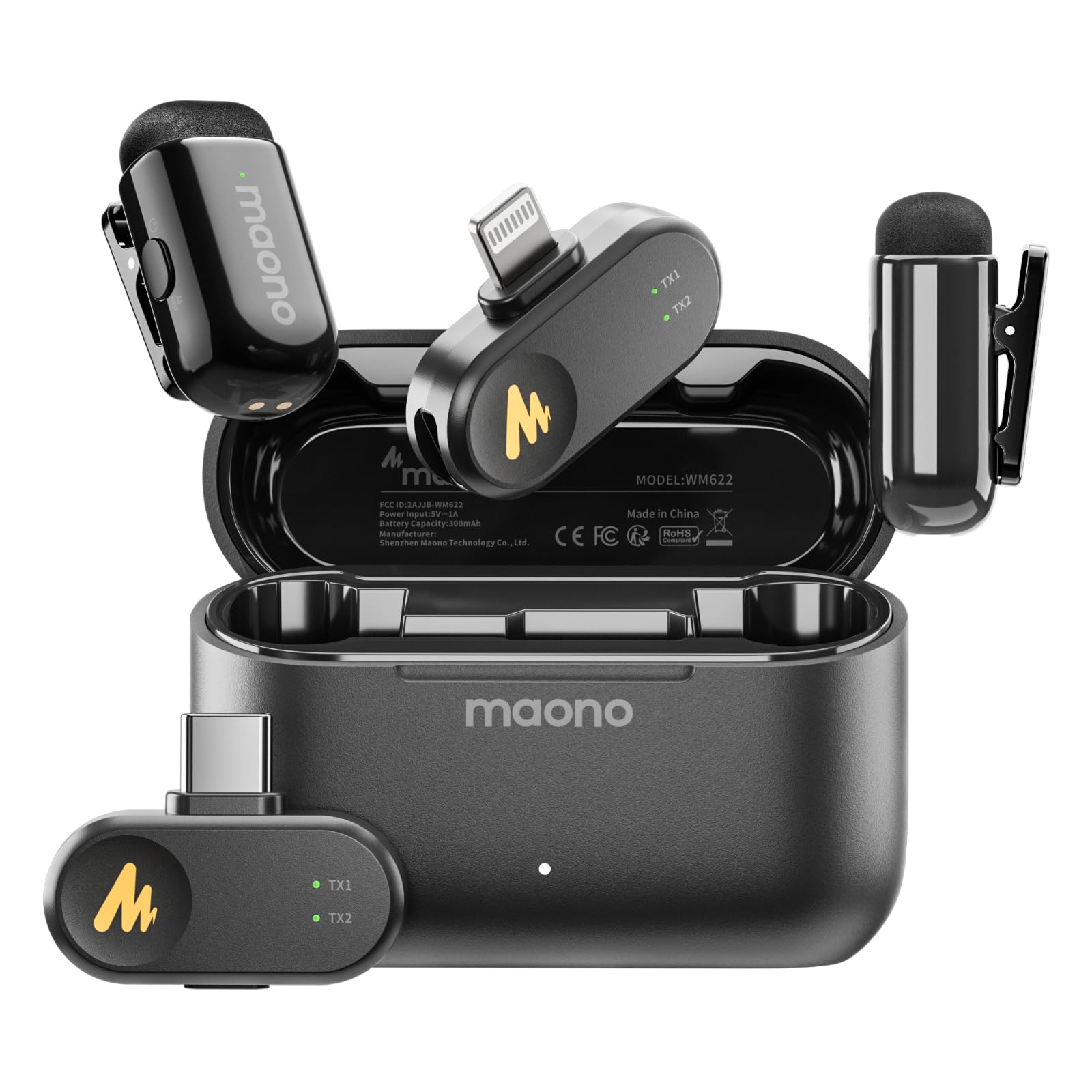
- The combo includes Lightning and USB-C receivers for compatible devices.
- The app offers four voice filters and four voice-altering effects.
- The receiver can charge a device while recording.
Best Gift For: A programmer who makes videos, podcasts, or recordings with a phone or computer.
1. Choose gifts for programmers around their workday
When choosing gifts for programmers, start by picturing a normal workday. Does the recipient spend hours at a desk, move between home and office, or switch from coding to calls and creative projects?
A small accessory can solve an everyday annoyance, while a larger desk upgrade suits someone whose setup is central to their routine.
Think about what they already own before choosing a device. A laptop stand or monitor arm makes sense when desk ergonomics are a priority, while a keyboard or speakers may suit someone who has room to personalize their workstation.
For a network or connectivity upgrade, compatibility with their internet service, laptop, monitor, and other equipment matters.
The most fitting present often supports a habit they already enjoy. Consider whether they use their computer for gaming, record videos, listen to podcasts, or transfer photos from a camera.
If you are unsure, ask a friend or family member what would be genuinely useful, or choose a compact accessory with a clear role in their existing routine.
2. Balance budget and usefulness
A thoughtful programming gift can be a modest desk accessory or a more substantial upgrade. Set a comfortable spending limit first, then look for an item that fills a specific gap instead of paying for features the recipient is unlikely to use.
A small file-transfer tool, for example, may be welcome when it solves a recurring task.
For larger purchases, consider the rest of the setup as part of the cost. A monitor mount may depend on the monitor and desk, while a router upgrade can also require compatible devices or other network equipment.
Check the actual current price and the recipient’s needs before deciding whether the added flexibility is worth it.
If several options seem equally useful, prioritize the gift that will be easiest to adopt. Familiar connections and simple setup can matter more than a long feature list.
A recipient who enjoys configuring their equipment may appreciate more customization, while someone with a busy schedule may prefer a practical addition they can put to work quickly.
3. Personalize the gift for their interests
Personalizing gifts for programmers can be as simple as matching the gift to the way they spend breaks or share their work. Choose an audio accessory for someone who listens while walking, or a recording tool for someone who makes tutorials or interviews.
A workspace upgrade can feel especially considered when it addresses a setup they have mentioned wanting to improve.
Add a short note that explains why you chose the item: perhaps it supports a side project, makes a desk more flexible, or helps keep a daily routine organized. You can also pair a practical device with a small companion such as a handwritten card or a favorite snack, keeping the main gift useful and the gesture personal.
Presentation can suit the recipient’s style. A neat box and a concise note work well for a professional milestone, while relaxed wrapping can fit a birthday or holiday.
If the item needs setup, offer to help check compatibility or arrange the workspace together, while letting them choose how and when to use it.
4. Make the choice easier at the last minute
For a time-sensitive gift, choose something whose purpose is easy to understand and whose compatibility you can verify. Check the recipient’s computer ports, operating system, phone type, or desk arrangement as relevant, and confirm the product dimensions against the space available.
Those quick checks can prevent a well-meant gift from becoming a return or an unused drawer item.
Avoid relying on assumptions about what a programmer already owns. A spare cable or accessory may be useful, but only if it works with the devices they use.
If you cannot confirm details, ask someone close to the recipient or opt for a flexible choice that suits a range of common work or personal activities.
Before ordering, check the current price, seller information, return terms, and estimated delivery date. Delivery estimates can change, so leave room for a backup plan if the occasion is close.
A simple card explaining that a more personal choice is on the way can also make a delayed surprise feel thoughtful.
5. Give the recipient room to make it their own
Computer setups are personal, and a programmer may already have strong preferences about layout, audio, or input devices. When you know the recipient well, choose the item that matches what they have asked for.
Otherwise, a gift with a clear everyday purpose can be a safer bet than something that requires them to reorganize their whole desk.
For gear that depends on measurements or technical compatibility, confirm the details before buying. Check the recipient’s equipment, available desk space, and preferred connections.
If a purchase involves several components, make sure they are prepared to use them together and understand whether any additional purchases may be needed.
A useful gift does not need to take over the workspace. Choose a scale and style that suit the person’s room and habits, then keep presentation simple enough that setup feels manageable.
A note offering help with installation or a chance to exchange the item can make a considered technology gift feel more personal and comfortable to receive.